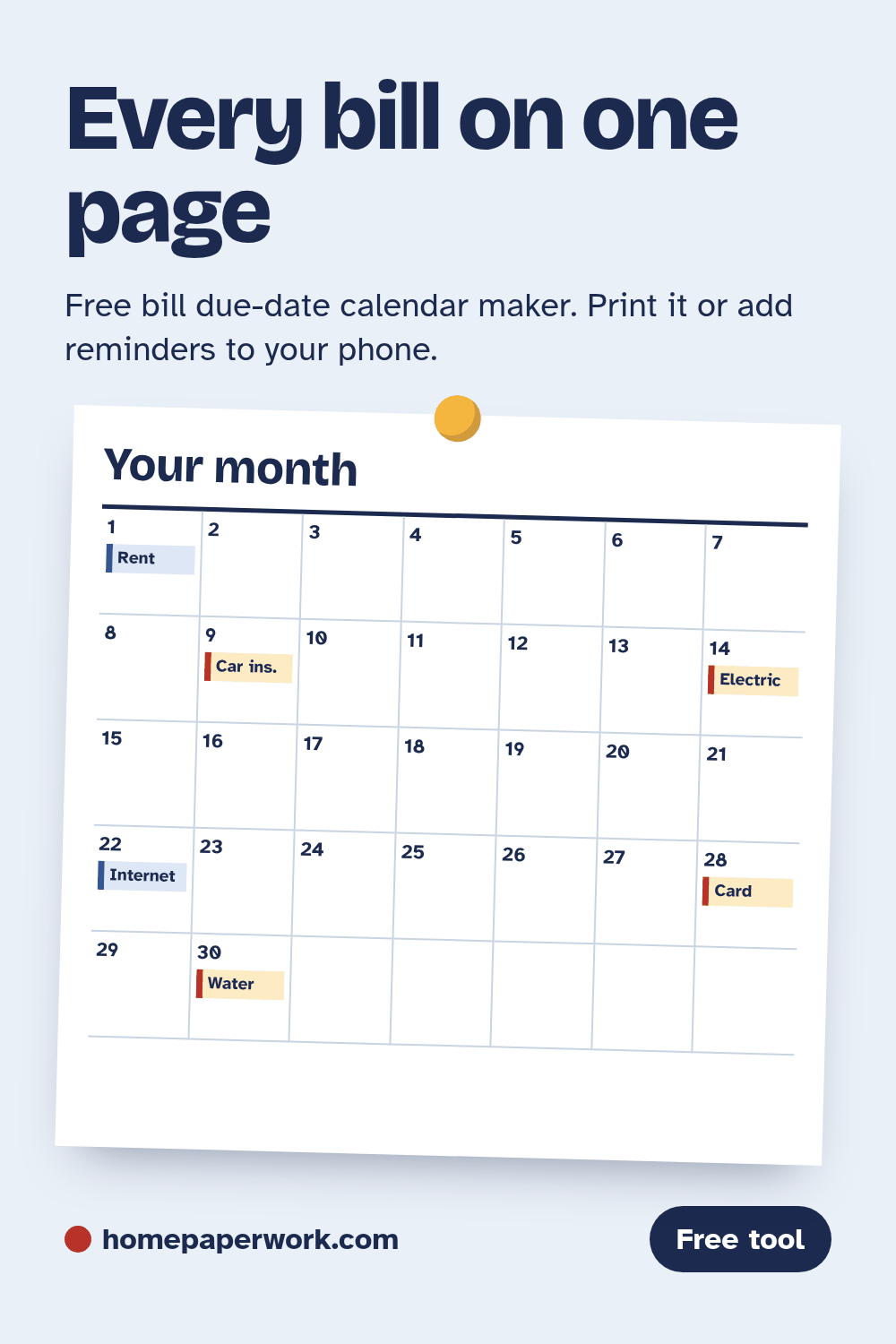
Bill due-date calendar maker
List your bills once. Print the calendar, save it as a PDF, or add every due date to your phone with a reminder. Nothing is uploaded: your bills stay in this browser.
In the print window, choose "Save as PDF" to keep a copy. The .ics file opens in Google Calendar (Settings, then Import), Apple Calendar and Outlook, and adds each due date as an all-day event with the reminder you picked.
Your calendar
Good to know
- Credit cards: under federal rules, a card company's payment cutoff can't be earlier than 5 p.m. on the due date. If it doesn't receive mail on the due date (say, a Sunday or holiday), a mailed payment that arrives the next business day can't be treated as late. Online and phone payments don't get that extra day (12 CFR 1026.10). Rent, utilities and other bills follow their own terms, so check the bill.
- Autopay still needs a look. Blue entries are autopay, so you know which charges to watch for rather than pay.
- Want to move a due date? Some lenders and utilities let you pick or change a due date if you ask. Lining bills up a few days after payday can make the month easier.